z_mirror/kak-live-grep
git clone https://git.raiguard.me/z_mirror/kak-live-grep
100d3dd
trunk
kak-live-grep
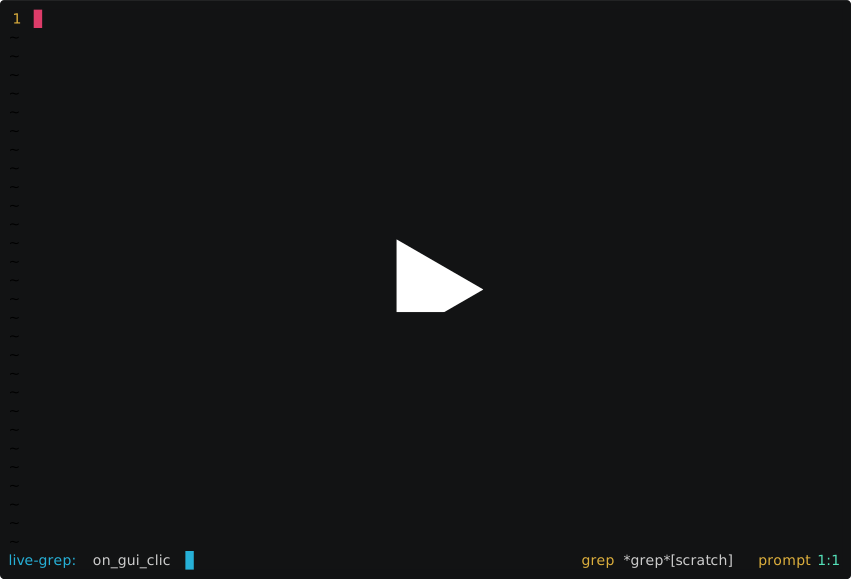
Search your project files live using Kakoune's built-in tools.
Installation
Source live-grep.kak in your kakrc, or use a plugin manager.
Usage
Invoke the live-grep command to start a live grep. The toolsclient will be
used if it is defined and active. Type your query into the prompt and review
the results as you go.
Press <ret> to complete the search, or <a-ret> to complete the search and
select all matches of the query in the results buffer. Auto-selecting the query
matches allows for a very quick find/replace workflow when combined with
grep-write.kak.
The live grep utilizes the grepcmd option and the *grep* buffer. All of the
existing grep commands will work with live grep results.
Configuration
- Face:
LiveGrepMatch- Highlights the prompt matches in the buffer. Defaults to bold + underline. - Option:
live_grep_timeout(int) - Adjust how responsively the results are updated. Lower timeouts will worsen performance. Defaults to300ms. - Option:
live_grep_results_limit(int) - The maximum number of results that will be displayed. Defaults to10000.
1# kak-live-grep 2 3[](https://asciinema.org/a/wJNxtSIdzeKaXNtFEwP0mbrKc) 4 5Search your project files live using 6[Kakoune](https://github.com/mawww/kakoune)'s built-in tools. 7 8## Installation 9 10Source `live-grep.kak` in your `kakrc`, or use a plugin manager. 11 12## Usage 13 14Invoke the `live-grep` command to start a live grep. The toolsclient will be 15used if it is defined and active. Type your query into the prompt and review 16the results as you go. 17 18Press `<ret>` to complete the search, or `<a-ret>` to complete the search and 19select all matches of the query in the results buffer. Auto-selecting the query 20matches allows for a very quick find/replace workflow when combined with 21[grep-write.kak](https://github.com/JacobTravers/grep-write.kak). 22 23The live grep utilizes the `grepcmd` option and the `*grep*` buffer. All of the 24existing grep commands will work with live grep results. 25 26## Configuration 27 28* **Face:** `LiveGrepMatch` - Highlights the prompt matches in the buffer. Defaults to bold + underline. 29* **Option:** `live_grep_timeout` (int) - Adjust how responsively the results are updated. Lower timeouts will worsen performance. Defaults to `300` ms. 30* **Option:** `live_grep_results_limit` (int) - The maximum number of results that will be displayed. Defaults to `10000`.